
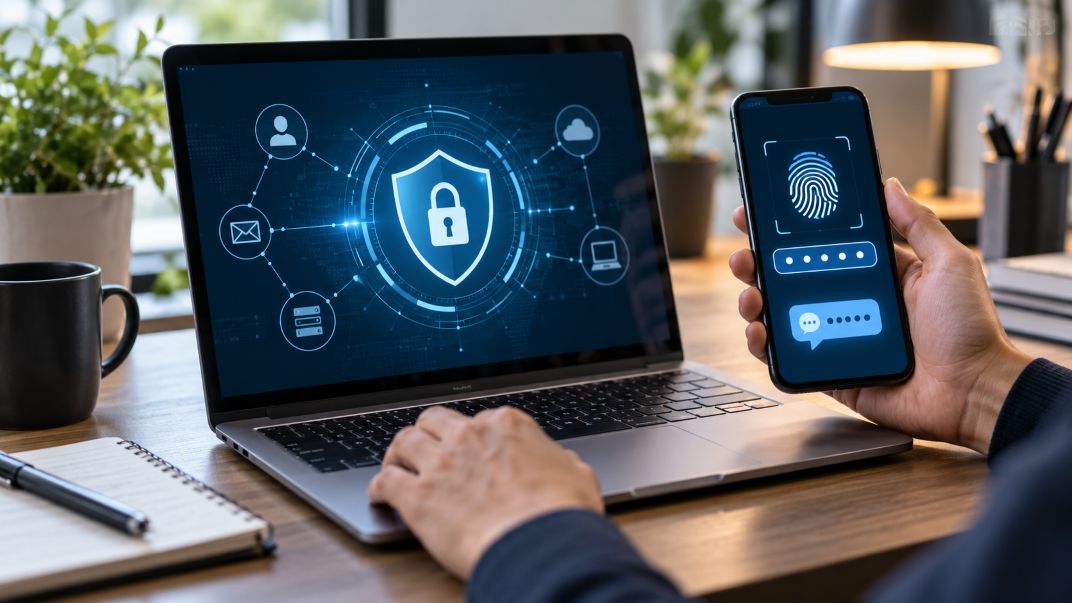
Secure account authentication plays an important role in protecting personal information and digital services. Websites, financial platforms, mobile applications, and cloud-based systems use identity verification technologies to prevent unauthorized access. As online activities expand, organizations need reliable methods to confirm that users are legitimate. Authentication helps reduce account takeovers, identity theft, and other security risks.
Modern authentication systems use several technologies, including passwords, biometric recognition, and cryptographic credentials. Some platforms also support alternative contact methods, such as a temporary US number, for receiving verification messages during registration. However, these services have compatibility and recovery limitations. Understanding how different authentication methods work helps users select appropriate security measures.
Why Online Authentication Requires Multiple Technologies
No single authentication method addresses every security threat. Passwords can be stolen, mobile numbers can be compromised, and devices can fall into the wrong hands. The National Institute of Standards and Technology (NIST) recommends authentication controls based on security risks and required assurance levels.
Different technologies solve different problems. Some confirm possession of a registered device, while others use cryptographic credentials or behavioral signals. The following seven technologies illustrate how modern authentication systems balance security, accessibility, and convenience.
1. SMS-Based Verification: A Familiar Security Layer
SMS verification remains a common method for confirming account access. During registration or login, a platform sends a one-time password to a registered mobile number. The user enters the code to continue.
This process helps establish access to the phone number. It also adds a verification step beyond a password. Financial applications, online services, and mobile platforms commonly use text messages for account registration and recovery.
However, SMS verification has weaknesses. Attackers may exploit SIM-swapping fraud, phishing, or compromised telecommunications systems. NIST classifies phone-network-based authentication as restricted because of these risks.
SMS codes can still provide additional protection, but stronger authentication methods are preferable when available.
2. Authenticator Applications: Codes Without Text Messages
Authenticator applications generate verification codes directly on a user’s device. Many use time-based one-time passwords, commonly called TOTP codes. These codes usually change every 30 seconds.
Applications such as Google Authenticator and Microsoft Authenticator support this approach. Users connect an account to an authentication application and enter its current code when prompted.
The main advantage is that codes do not require cellular reception or SMS delivery. This reduces exposure to certain telephone network attacks.
The Cybersecurity and Infrastructure Security Agency (CISA) recognizes authenticator applications as an additional security measure. However, manually entered codes remain vulnerable to phishing websites. Users also need recovery options if their authentication device becomes unavailable.
3. Biometric Authentication: Using Physical Characteristics
Biometric authentication verifies users through physical characteristics. Common examples include fingerprints, facial recognition, and iris scanning.
Smartphones and computers frequently use biometric sensors to unlock devices or authorize access to stored credentials. These features can make authentication faster because users do not need to type passwords repeatedly.
Under NIST guidance, biometric authentication works best when combined with a trusted device or another authentication factor. Biometric matching alone does not automatically establish a complete secure authentication process.
Privacy also matters. Biometric information is sensitive because fingerprints and facial characteristics cannot be replaced like passwords. Secure storage, device-level processing, and reliable fallback methods remain important considerations.
4. Passkeys: What Changes When Passwords Disappear?
Passkeys provide an alternative to traditional password-based authentication. They use public-key cryptography to establish secure connections between users and online services.
When someone creates a passkey, the system generates a cryptographic key pair. The private key remains protected by the user’s device or credential provider, while the public key is registered with the service.
During login, the device proves possession of the private key without revealing it. Users commonly approve authentication through a fingerprint, facial scan, or device PIN.
The FIDO Alliance explains that passkeys are bound to the legitimate service’s domain. This design helps prevent phishing attacks that rely on imitation login pages.
Passkeys offer strong protection, although users still need secure device management and account recovery procedures.
5. Hardware Security Keys: Physical Protection Against Phishing
Hardware security keys are physical devices that support cryptographic authentication. Users connect them through USB or communicate wirelessly using compatible technologies such as NFC.
Many hardware keys support FIDO2 authentication. They can verify access without exposing reusable passwords or secret authentication codes to a website.
The FIDO Alliance identifies FIDO2 as a combination of WebAuthn and related authenticator protocols. These standards support phishing-resistant authentication.
Hardware keys are particularly relevant to organizations protecting sensitive information, financial accounts, and administrative systems.
However, they introduce practical considerations. Users must purchase compatible devices, protect them from loss, and register backup authentication methods. Some services also have limited support for physical security keys.
6. Virtual and Temporary Phone Numbers: Convenience With Limitations
Virtual phone numbers allow users to receive communications without relying exclusively on a conventional personal mobile number. Some services provide short-term access to numbers for SMS verification.
These alternatives may support account registration, software testing, or situations where users prefer separating personal and secondary contact information.
However, acceptance varies between platforms. Some websites reject virtual or internet-based numbers because of security concerns, fraud prevention policies, or number classification systems.
The NIST Digital Identity Guidelines distinguish telephone-network authentication from services that deliver messages through internet-based systems. This distinction affects how organizations evaluate verification methods.
Temporary numbers also present account recovery challenges. Once access expires, users may lose the ability to receive future security codes. Reassigned or shared numbers can create additional exposure.
For important accounts, a long-term authentication method with reliable recovery options is generally more appropriate.
7. Risk-Based Authentication: Detecting Unusual Account Activity
Risk-based authentication evaluates login attempts using contextual information. Instead of applying identical checks to every session, a platform examines indicators that may suggest suspicious activity.
These indicators can include:
- Unrecognized devices or browsers.
- Unexpected geographic locations.
- Unusual login times or activity patterns.
- Repeated unsuccessful authentication attempts.
- Changes in network or connection information.
The NIST Digital Identity Guidelines describe adaptive authentication techniques that assess user behavior, IP addresses, and environmental information.
For example, a familiar device may receive a routine login experience, while an unusual attempt may trigger additional verification.
These systems help organizations focus security checks where risks appear higher. However, unusual activity does not always indicate fraud. Travelers and users changing devices may encounter unnecessary verification challenges. Combining automated security checks and human review can help platforms investigate suspicious activity more accurately while reducing unnecessary restrictions on legitimate users.
Choosing Authentication Methods That Work Together
Secure authentication depends on selecting technologies appropriate to each account’s risks. SMS verification offers accessibility, while authenticator applications reduce reliance on telecommunications networks. Biometrics improve convenience, and passkeys and hardware security keys provide stronger resistance to phishing.
Risk-based authentication adds another layer by identifying potentially suspicious access patterns. Meanwhile, alternative phone number services may address specific registration needs but should not replace dependable account security arrangements.
As digital services evolve, combining suitable authentication methods will remain important. Organizations should prioritize phishing-resistant options where practical, maintain reliable recovery procedures, and avoid depending entirely on text-message codes. Strong authentication ultimately requires both effective technology and responsible account management.